.png)
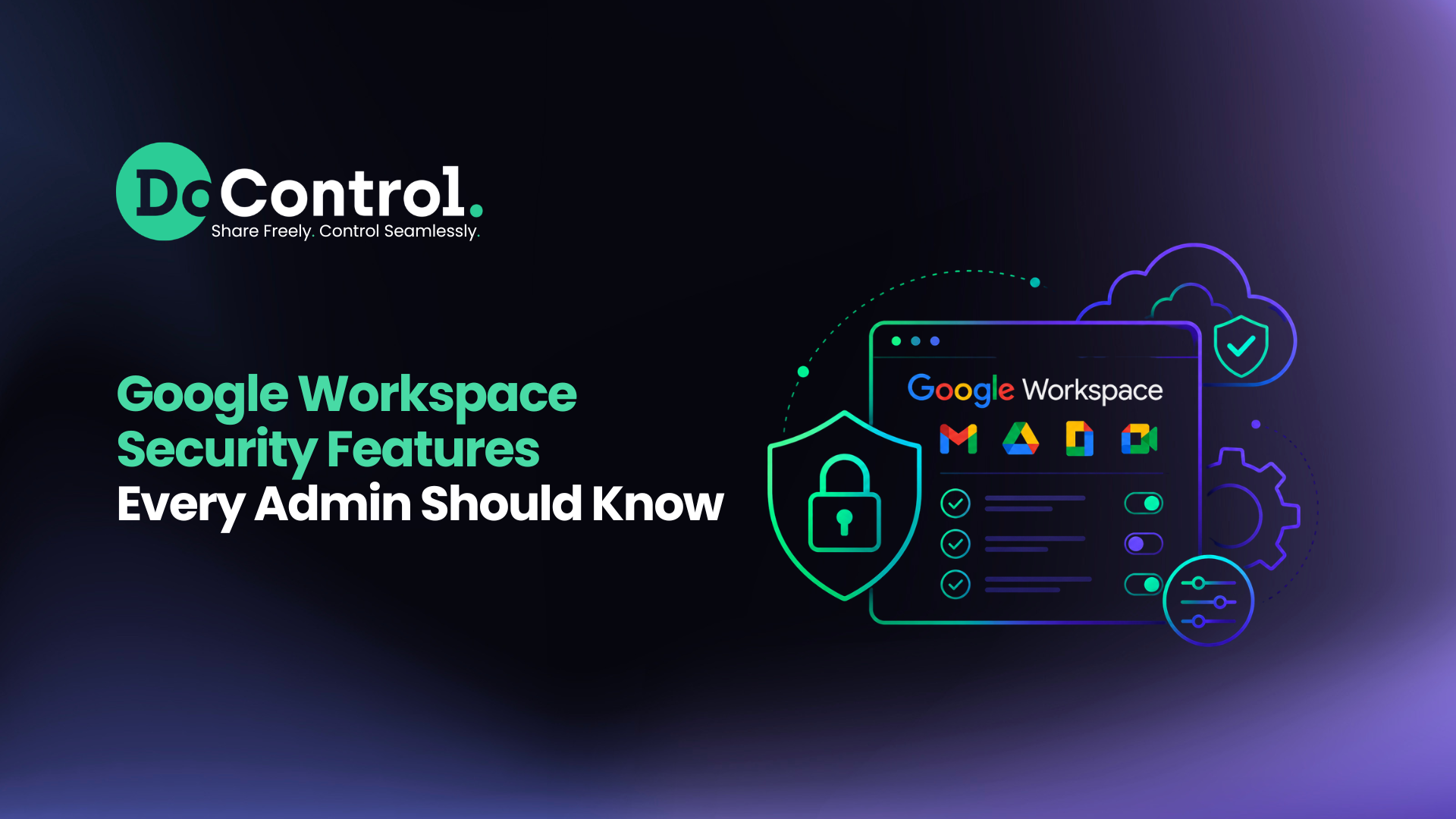
Google Workspace includes dozens of built-in security features designed to protect users, data, and applications — but knowing which settings to enable first isn't always obvious. Between evolving cyber threats, AI-powered collaboration tools like Gemini, third-party SaaS integrations, and hybrid work environments, Google Workspace administrators are responsible for securing one of the most business-critical platforms in the enterprise.
There are a lot of components to maintaining strong Google Workspace security. The good news is that Google provides a strong security foundation. The challenge is understanding which settings have the greatest impact, where to find them in the Google Admin console, and how they work together as part of a broader security strategy.
In this guide, we'll cover the 25 most important Google Workspace security features every administrator should enable, explain why they matter, point you to Google's official resource, and discuss how organizations can extend these native controls with continuous governance as their environments grow.
Google Workspace Security Features at a Glance
The table below summarizes the highest-impact security settings every Google Workspace administrator should review. While every organization's requirements differ, these controls represent the strongest starting point for protecting identities, data, and collaboration across Google Workspace.
Identity & Authentication
Identity remains the first line of defense in Google Workspace. These settings help prevent compromised credentials, phishing attacks, and unauthorized access.
1) Multi-Factor Authentication (MFA)
What it does: Requires users to verify their identity with a second authentication factor.
Why it matters: MFA remains one of the most effective ways to prevent account takeover, even if passwords are compromised.
Admin Console: Security → Authentication
Google resource: Google Admin Help – Turn on 2-Step Verification.
2) Passkeys
What it does: Allows users to sign in using phishing-resistant authentication instead of passwords.
Why it matters: Passkeys reduce phishing risk while improving the user experience.
Admin Console: Security → Authentication
Google resource: Google Passkeys resource.
3) Context-Aware Access
What it does: Restricts application access based on user identity, device trust, location, or network.
Why it matters: Ensures only trusted users and devices can access sensitive Workspace resources.
Admin Console: Security → Access & Data Control
Google resource: Context-Aware Access resource.
4) Password Policies
What it does: Enforces password length, complexity, and account recovery requirements.
Why it matters: Strong password policies reduce credential-based attacks and improve overall account hygiene.
Admin Console: Security → Password Management
Google resource: Password policy settings.
5) Session Controls
What it does: Defines session length, reauthentication requirements, and login behavior.
Why it matters: Helps limit risk from stolen browser sessions and unattended devices.
Admin Console: Security → Session Management
Google resource: Session control resource.
Data Protection & Sharing
Most Google Workspace data breaches aren't caused by hackers breaking into Google — they're caused by data being shared with the wrong people, links being set to public, employees oversharing data, and users mishandling sensitive docs and files. Proper sharing controls help reduce both external exposure and internal oversharing.
6) External Sharing Controls
What it does: Limits how files can be shared outside your organization.
Why it matters: Prevents sensitive documents from being accidentally exposed to external users.
Admin Console: Apps → Google Workspace → Drive and Docs
Google resource: Google Drive sharing settings.
7) Internal Sharing Controls
What it does: Controls how broadly files can be shared within your organization.
Why it matters: Reduces unnecessary internal access that can become increasingly risky as organizations grow.
Admin Console: Drive and Docs Settings
Google resource: Internal sharing policies.
8) Shared Drive Controls
What it does: Governs membership, permissions, and sharing within Shared Drives.
Why it matters: Helps ensure collaborative workspaces remain accessible only to authorized users.
Admin Console: Drive and Docs
Google resource: Shared Drive administration.
9) Google Drive DLP
What it does: Detects sensitive information stored in Google Drive using predefined or custom data classifiers.
Why it matters: Helps identify and protect confidential business information before it's overshared.
Admin Console: Security → Data Protection
Google resource: Google Workspace DLP.
10) Gmail DLP
What it does: Scans outbound emails for sensitive information before messages are sent.
Why it matters: Helps prevent confidential information from leaving the organization through email.
Admin Console: Gmail Settings
Google resource: Gmail DLP.
11) Labels
What it does: Applies classification labels to files based on sensitivity or business purpose.
Why it matters: Enables organizations to classify sensitive content and apply appropriate security policies.
Admin Console: Drive Labels
Google resource: Google Drive Labels.
12) Information Rights Management (IRM)
What it does: Restricts downloading, printing, and copying for supported Google Drive files.
Why it matters: Adds another layer of protection for highly sensitive documents.
Admin Console: Drive Settings
Google resource: Information Rights Management.
13) Drive Sharing Restrictions
What it does: Controls link sharing, domain sharing, and default file visibility.
Why it matters: Helps prevent accidental public exposure of sensitive business information.
Admin Console: Drive and Docs
Google resource: Sharing restrictions.
Admin & Privileged Access
Administrator accounts have broad access across Google Workspace and should receive additional protection.
14) Admin Roles
What it does: Assigns administrators only the permissions they require.
Why it matters: Following the principle of least privilege reduces the impact of compromised admin accounts.
Admin Console: Account → Admin Roles
Google resource: Administrator roles.
15) Super Admin Protection
What it does: Applies additional security controls to Super Admin accounts.
Why it matters: Super Admins represent the highest-value accounts in Google Workspace.
Admin Console: Admin Roles
Google resource: Super Administrator best practices.
16) Privileged Access Reviews
What it does: Regularly reviews administrator permissions and privileged accounts.
Why it matters: Prevents unnecessary administrative access from accumulating over time.
Admin Console: Admin Roles
Google resource: Admin role management.
17) Security Dashboard
What it does: Provides a centralized view of security posture across Google Workspace.
Why it matters: Helps administrators quickly identify configuration gaps and emerging risks.
Admin Console: Security
Google resource: Security Dashboard.
18) Admin Audit Logs
What it does: Records administrative activity across the Google Workspace environment.
Why it matters: Essential for investigations, compliance, and change tracking.
Admin Console: Reporting
Google resource: Admin audit logs.
Threat Detection, Monitoring & AI
Visibility is essential for identifying suspicious behavior before it becomes a security incident. These features help administrators investigate threats, monitor activity, and securely manage AI-powered applications.
19) Alert Center
What it does: Centralizes high-priority security alerts from across Google Workspace.
Why it matters: Helps administrators respond more quickly to suspicious activity.
Admin Console: Security → Alert Center
Google resource: Alert Center.
20) Investigation Tool
What it does: Enables administrators to investigate security events using detailed Workspace telemetry.
Why it matters: Simplifies incident response and threat hunting.
Admin Console: Security Center
Google resource: Investigation Tool.
21) Audit Logs
What it does: Records user, application, and administrative activity across Workspace services.
Why it matters: Provides valuable forensic evidence during investigations.
Admin Console: Reporting
Google resource: Audit logs.
22) OAuth App Controls
What it does: Allows administrators to review and restrict third-party applications connected through OAuth.
Why it matters: Reduces risk from shadow IT, Shadow AI, and overly permissive SaaS applications.
Admin Console: Security → API Controls
Google resource: Manage OAuth apps.
23) API Controls
What it does: Controls API access and third-party integrations across Google Workspace.
Why it matters: Helps organizations govern which applications can access sensitive Workspace data.
Admin Console: Security → API Controls
Google resource: API Controls.
24) Gemini Controls
What it does: Manages Gemini features, permissions, and administrative settings.
Why it matters: AI assistants can surface any information users already have access to, making proper data access governance increasingly important.
Admin Console: Gemini Settings
Google resource: Gemini for Google Workspace Admin Guide.
Google Workspace Marketplace Controls
What it does: Restricts which Marketplace applications users can install.
Why it matters: Helps reduce unnecessary third-party application risk across the organization.
Admin Console: Apps
Google resource: Google Workspace Marketplace controls.
While Google's native security features provide a strong foundation, many organizations struggle to determine whether those controls are configured correctly — or whether years of file sharing, employee changes, and AI adoption have introduced new data exposure risks. Before investing more time in manual reviews, it's worth understanding where your biggest security gaps actually exist.
{{cta-1}}
Extending Native Google Workspace Security with DoControl
Google Workspace provides a good foundation for protecting identities, applications, and collaboration. Features like MFA, DLP, Context-Aware Access, OAuth controls, and the Security Center significantly improve an organization's security posture and should be enabled by every administrator.
However, as organizations grow, securing Google Workspace becomes less about configuring settings and more about continuously governing data access, managing these settings at scale, protecting the data without hindering business ops, and remediating exposure in large volumes.
Files are shared internally and externally over many years, contractors come and go, employees change roles, AI assistants gain access to business data, and thousands of third-party applications connect through OAuth. Native security settings help establish policy, but they don't always provide continuous visibility, remediation, and protection into how those permissions evolve over time.
This is where many organizations extend Google Workspace security with a dedicated SaaS security and data governance platform like DoControl.
DoControl is a SaaS security platform that builds upon Google Workspace's native security controls with continuous data access governance, contextual DLP, and automated remediation.
By enriching security events with identity, HRIS, application, and behavioral context, DoControl helps security teams understand who has access to sensitive data, why that access exists, and whether it represents real business risk.
As organizations scale and outgrow manual permission reviews and native alerts, DoControl automates the discovery, prioritization, and remediation of data exposure across Google Workspace and the broader SaaS ecosystem.
Rather than replacing Google's native security capabilities, organizations often use platforms like DoControl to build on them — adding continuous monitoring, contextual risk analysis, automated remediation, and data access governance that scales with modern SaaS environments.
Key Takeaways
Google Workspace includes one of the strongest native security platforms available for cloud collaboration, but enabling the right features is critical.
Start by securing user identities with MFA, passkeys, and context-aware access.
Next, review file sharing settings to reduce both external exposure and internal oversharing, then protect administrator accounts with least-privilege access and regular permission reviews.
Finally, monitor third-party applications, AI tools, and security alerts to maintain visibility as your environment evolves.
For many organizations, these native controls provide an excellent starting point. But, as Google Workspace environments become larger and more collaborative, continuous governance becomes just as important as initial configuration. These controls are impossible to scale manually, and organizations find themselves needing more support.
Maintaining visibility into sensitive data, user permissions, AI-connected applications, and historical sharing decisions helps ensure your Google Workspace security posture stays strong long after the initial setup is complete.
Learn more about DoControl
See a demo - click here
Get a SaaS Data Risk Assessment - click here
See our product in action - click here