Sensitive company data rarely leaves through a dramatic hack. More often, it walks out through a shared Google Drive link, a forwarded email or a paste into ChatGPT. That quiet movement of data out of your control is data exfiltration, and for SaaS-first companies it is now one of the hardest security risks to see and stop.
This guide explains what data exfiltration is, how it happens across SaaS apps and the browser today, the most common data exfiltration risk scenarios, and how to prevent data exfiltration without slowing your business down.
What is data exfiltration?
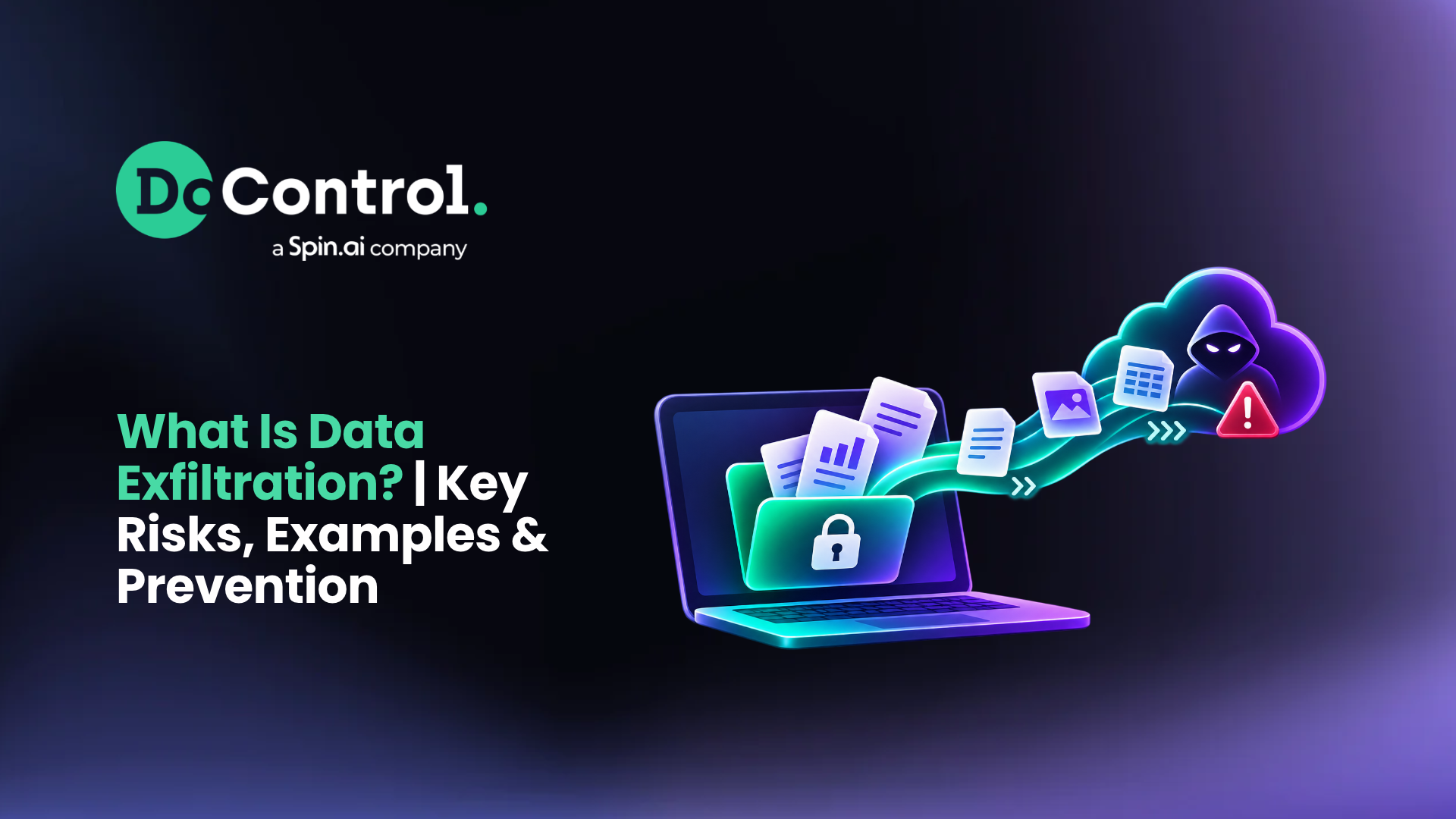
Data exfiltration is the unauthorized transfer of sensitive data out of an organization's control. It can be carried out by an external attacker, a malicious insider or a well-meaning employee who moves data somewhere it should not go. The data can include customer records, financial models, source code, intellectual property or regulated data such as PII, PHI and PCI.
Data exfiltration is sometimes called data theft, data extrusion or data exportation. Whatever the label, the outcome is the same: data that should stay inside your environment ends up in a personal account, an unsanctioned app, an AI tool or a competitor's hands. According to IBM, the average cost of a data breach now sits near USD 5 million, and exfiltration is often the step that turns an incident into a breach.
Data exfiltration vs. data leakage vs. data breach
These terms are often used interchangeably, but they describe different things. Knowing the difference helps security teams choose the right controls.
In practice, data leakage often creates the opening that data exfiltration exploits. A file shared "anyone with the link" is a leak; the moment someone downloads it to a personal device, it becomes exfiltration. That is why data leakage prevention and data exfiltration prevention belong in the same strategy.
How does data exfiltration happen today?
Traditional data exfiltration techniques focused on the network and endpoint: malware sending files to a command-and-control server, USB drives, or attackers abusing DNS and FTP. Those still exist. But for modern, cloud-first organizations, the biggest data exfiltration risk now sits in two places: SaaS applications and the browser.
1. Inside SaaS applications.
Sensitive data is created and stored in Google Workspace, Microsoft 365, Slack, Salesforce and Box. SaaS data exfiltration happens through actions those apps allow by design: sharing a file to a personal email, making a folder public, mass downloading documents or granting an OAuth app access to a whole Drive.
2. Through the browser.
Data that starts in SaaS usually leaves through a browser tab. Employees copy text into ChatGPT, Gemini or Claude, upload files to a personal Dropbox, or install extensions that quietly read everything on the page. Browser-based data exfiltration is invisible to tools that only watch the SaaS layer. This is when browser security comes into the picture; some browser extensions that employees grant access to can unknowingly access company data.
3. Through generative AI and shadow apps.
AI note-takers, writing assistants and "productivity" extensions often request broad permissions and send data to third-party servers. Even when the tool is not malicious, the data flow is a data exfiltration path security teams cannot ignore.
The key challenge: a single data exfiltration incident rarely happens in one place. It can start with a file share in Google Drive and end with a paste into an AI tool, crossing tools that each see only part of the story.
{{cta-1}}
Common data exfiltration risk scenarios
These data exfiltration examples show how ordinary-looking activity adds up to real data loss.
The departing employee
A senior account executive accepts an offer from a competitor. Before leaving, they mass download the customer list and pricing models from Google Drive, share them to a personal Gmail address, then paste deal plans into ChatGPT to summarize them. Each step looks routine on its own. Together, they are classic insider data exfiltration.
Unauthorized access to a confidential project
An employee outside the deal team gains access to a folder for a confidential acquisition. They copy details out of the documents and try to upload them elsewhere. Without access governance, no one notices until the information surfaces outside the company.
Risky AI apps and browser extensions
A user connects an AI note-taking app to Google Workspace through OAuth, installs an AI writing extension, and pastes company data into an LLM. A simple spell-checker extension might send everything the user types to an external AI service. The extension is not malicious, but the data still leaves.
Oversharing and public links
Years of "anyone with the link" sharing leave thousands of sensitive files exposed to external domains and former contractors. This is data leakage today and an easy data exfiltration path tomorrow.
Compromised accounts
An attacker phishes a user's credentials or hijacks a session, then uses legitimate SaaS features to download or share data. Because the activity comes from a real account, it blends in with normal work.
How to prevent data exfiltration
Effective data exfiltration prevention combines data loss prevention (DLP), identity context and data access governance. Best practices include:
- Discover and classify sensitive data across every connected SaaS app, so you know what matters before it moves.
- Enforce least-privilege access. Expire outdated permissions, remove public links and time-box external shares.
- Monitor identity risk. Tie activity to HR and identity provider context, such as role, department and resignation status, to spot insider threats early.
- Govern third-party and AI apps. Review and revoke risky OAuth grants and browser extensions.
- Control the browser exit point. Block or warn when sensitive data is pasted, typed or uploaded into AI tools and personal accounts.
- Automate remediation. Manual reviews take weeks; automated workflows respond in minutes.
Many organizations start by comparing enterprise DLP vendors. The catch is that most enterprise DLP solutions cover only one layer.
SaaS security tools lose sight of data once it leaves the app. Browser DLP tools see the paste but not who the user is or whether the data is sensitive, so they either block everyone or flood users with alerts they learn to ignore.
Closing the gap with point solutions has historically taken three to five separate vendors that never share context.
How DoControl and Spin.AI stop data exfiltration from SaaS to browser
DoControl, now part of Spin.AI, is the only solution that follows the same user and the same data from the moment it is created or shared in a SaaS app, through the browser, to the point where it would leave the company. DoControl knows who the user is, what the data is and whether the activity is risky. Spin.AI's browser security uses that context to stop the data at the moment it would leave.
At the SaaS layer: DoControl
- SaaS DLP. Discovers and classifies sensitive data across connected SaaS apps, analyzes how it is exposed (external shares, personal email, over-permissioned access) and remediates automatically, starting with a bulk historical cleanup followed by always-on, customizable workflows.
- Data access governance. Shows who is sharing what, when and with whom, and whether that access fits the user's role and department. It expires outdated permissions, revokes risky OAuth grants and time-boxes shares to specific people or third parties.
- Identity threat detection and response (ITDR). Monitors human and non-human identities and enriches activity with HRIS and IdP context, such as role, department, resignation status and behavior baseline. Anomalies trigger automated responses: revoking access, suspending sessions or escalating to a manager.
- Shared context engine. Combines identity and business signals to separate routine activity from real risk, with manager approvals built into Slack and Gmail so the business keeps moving.
Learn more about DoControl's role in DLP.
At the browser layer: Spin.AI
- Browser-native DLP. Blocks or warns when PII, PHI or PCI is pasted into AI tools like ChatGPT or Gemini, and stops sensitive uploads to personal cloud accounts.
- Browser-agnostic. Works in Chrome, Edge, Firefox and Safari, across profiles and incognito windows, with no need to replace employees' browsers.
- Extension risk scoring. Assesses every extension for business, compliance and security risk, and blocks risky ones by user, department or organization.
- AI governance and domain blocking. Labels extensions that send data to AI services, restricts unapproved AI tools and blocks risky, lookalike or newly registered domains before they load.
One continuous path of protection
Take the departing employee. DoControl flags the resignation, detects the mass download, and revokes the share to personal Gmail. When the employee turns to ChatGPT or a personal Dropbox, Spin.AI's browser blocks the paste and the upload outright, because DoControl has already marked the user as high risk and the data as sensitive. Colleagues who share files and use AI every day are not affected.
The result: one view of data exfiltration risk from SaaS to browser, one identity followed across every checkpoint, and controls that are strict where it matters and invisible everywhere else.
Data exfiltration FAQ
What is an example of data exfiltration? A departing employee sharing a customer list to their personal email, or pasting confidential deal plans into ChatGPT, are both common examples of data exfiltration.
Is data exfiltration the same as data leakage? No. Data leakage is usually accidental exposure, such as a public link. Data exfiltration is the deliberate movement of data out of the organization. Leakage often enables exfiltration.
What is the most common cause of data exfiltration in SaaS? Insider activity, oversharing and risky third-party or AI apps connected through OAuth are the most common causes of SaaS data exfiltration.
Can DLP stop data exfiltration? Yes, when it covers both the SaaS layer and the browser and uses identity context. DLP that sees only one layer misses the handoff where data actually leaves.
Conclusion: stop data exfiltration at every exit point
Data exfiltration is no longer a network problem. It happens through everyday actions in SaaS apps and the browser: a share, a download, a paste into an AI tool. Stopping it requires knowing who the user is, what the data is and where it is going, at every step.
DoControl and Spin.AI see the entire path your data takes, from the first share to the last click, and act on it without getting in your team's way. From SaaS to browser, we've got you covered.
Ready to see how your organization's data could be leaving today? Book a demo with DoControl and Spin.AI.