.png)
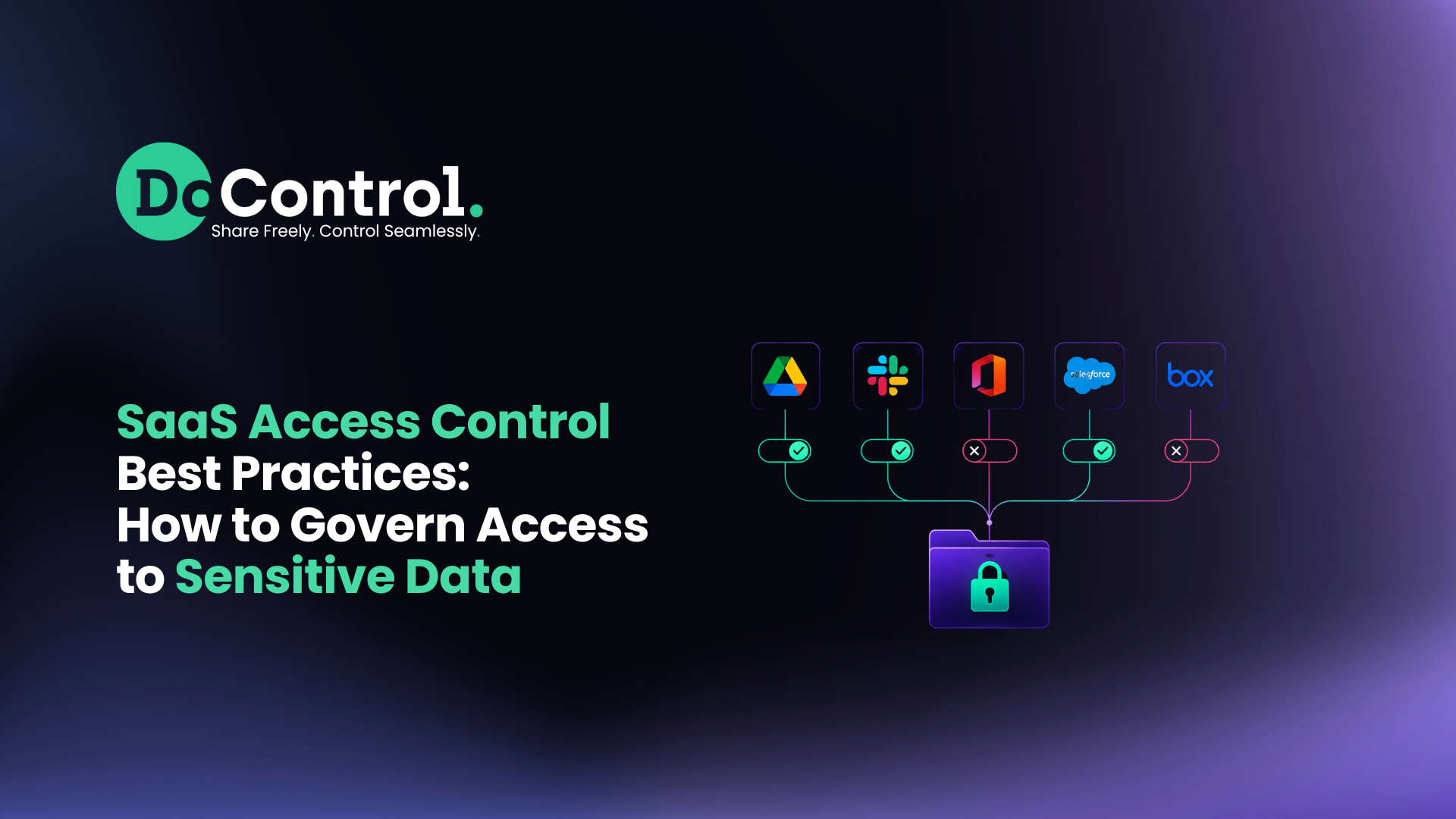
SaaS access control is no longer just about deciding who can log into an application.
Security teams need to control not only who can access an application, but also:
- What data they can access once they're inside
- What permissions they have
- Whether those permissions are appropriate for their role
- Whether sensitive data is being shared externally or publicly
- Which third-party applications can access company data
- Whether access still makes sense over time
- Whether behavior deviates from what's normal for that identity
- How inappropriate access will actually be remediated
Strong SaaS access control therefore sits at the intersection of identity security, SaaS security, data access governance, and SaaS DLP.
Here are the best practices security teams should use to build an access control strategy that scales with the modern SaaS environment.
What Is SaaS Access Control?
SaaS access control is the set of policies, processes, and technologies used to determine who or what can access SaaS applications and data, what they are permitted to do, and under which conditions that access should be allowed.
Traditional access control typically focuses heavily on authentication and authorization.
Authentication answers:
Who are you?
Authorization answers:
What are you allowed to do?
But SaaS introduces another critical question:
What data can you access once you're inside – and should you still be able to access it?
A user may be legitimately authenticated into Google Workspace, for example, while still having access to sensitive documents they no longer need.
A contractor may legitimately access Slack while remaining in private channels after a project ends.
An OAuth application may have been legitimately authorized while retaining broad access to company data months after anyone stopped using it.
And an AI agent may operate under a legitimate identity while accessing more organizational data than its task actually requires.
Authentication alone does not solve any of these problems.
That's why access control needs to be part of a broader SaaS data protection strategy.
Why SaaS Access Control Is Different
SaaS applications are designed for collaboration.
Employees can share files, invite external users, create groups, connect applications, authorize OAuth integrations, change permissions, and increasingly allow AI systems to interact with corporate information.
All of these actions can create new access paths.
Unlike a traditional environment with a tightly controlled perimeter, SaaS access changes constantly.
A permission that was appropriate six months ago may no longer be appropriate today:
- A user can change departments.
- A contractor's engagement can end.
- A sensitive file can be moved into a broadly accessible folder.
- An employee can share information with a personal account.
- A new application can be connected through OAuth.
- An AI agent can inherit access from the identity that authorized it.
Effective SaaS security therefore requires security teams to continuously understand and govern these changing relationships.
The Four Layers of SaaS Access Control
One of the easiest ways to think about SaaS access control is to separate it into four layers.
A mature SaaS access control program addresses all four. This is also where traditional IAM and SaaS data access governance begin to diverge.
IAM is essential for controlling identity and application access, but once a user is authenticated into a SaaS platform, security teams still need to understand the data-access relationships that exist inside it.
SaaS Access Control Best Practices at a Glance
1. Enforce Strong Authentication With MFA and SSO
Centralize SaaS authentication through SSO and require MFA for business-critical applications. These controls verify identity and reduce unauthorized account access, but they are only the first layer of SaaS access control.
2. Apply the Principle of Least Privilege
Give users only the access they need to do their jobs – and remove it when they no longer need it. Because SaaS permissions accumulate as employees change roles, join projects, and collaborate, least privilege requires continuous review rather than a one-time decision.
3. Use Contextual Access Controls
Roles are useful, but role alone doesn't determine risk. SaaS access policies should consider context such as identity, department, employment status, data sensitivity, sharing destination, historical behavior, and type of activity to make more precise access decisions.
4. Know Every Identity With Access
SaaS access extends beyond employees. Security teams need visibility into contractors, vendors, external collaborators, former employees, personal accounts, service accounts, OAuth apps, third-party integrations, and AI agents – along with what each identity can access.
5. Govern the Data, Not Just the Application
Application access and data access are not the same thing. Knowing someone can access Google Workspace, Slack, or Salesforce doesn't tell you which files, channels, or records they can reach. Effective data access governance requires knowing who has access to what, why, and whether they still need it.
6. Connect Access Control With SaaS DLP
Access risk depends heavily on the data involved. SaaS DLP adds data sensitivity to access decisions, allowing security teams to apply different controls to a public marketing document versus customer records, financial information, source code, or other sensitive data.
7. Continuously Audit External Access
External collaboration is necessary; stale external access isn't. Regularly review which vendors, contractors, partners, agencies, and personal accounts can access company data, and remove access when the business need ends.
8. Control Internal Oversharing
Internal doesn't automatically mean secure. Apply least privilege to sensitive SaaS data inside the organization as well, particularly as AI assistants and agents make organizational information easier to discover and access.
9. Automate the Access Lifecycle
Access should change as employees join, move roles, and leave the organization. Connect access governance with identity and employment context so unnecessary permissions, group memberships, external access, and other historical relationships don't persist indefinitely.
10. Monitor User Behavior
Permissions show what a user can do; behavior shows what they're actually doing. Compare data access, downloads, sharing, and permission changes against normal behavioral patterns to identify activity that may require investigation or remediation.
11. Govern OAuth Apps and AI Agents
SaaS data is increasingly accessed by non-human identities. Inventory OAuth apps, integrations, bots, and AI agents; understand their permissions and data access; and remove unnecessary or excessive access.
12. Automate Remediation
Finding risky access doesn't reduce risk until something changes. Automate high-confidence actions such as revoking permissions, removing external collaborators, disabling public sharing, or removing risky OAuth access – while escalating ambiguous cases for review.
13. Clean Up Historical Access
New policies don't fix years of existing permission debt. A mature SaaS security strategy should combine historical remediation of existing exposure with continuous enforcement to prevent the same access risks from accumulating again.
Questions Security Teams Should Ask About SaaS Access
If a security team can answer who has application access but can't answer what data they can access, whether they should have it, and what happens when they shouldn't, their access-control strategy is incomplete.
How DoControl Helps Organizations Control SaaS Data Access at Scale
The challenge with SaaS access control is enforcing it across constantly changing SaaS environments.
DoControl provides security teams with a centralized way to understand and control SaaS data access across users, applications, files, external collaborators, third-party apps, and other identities.
Instead of looking at an isolated event, DoControl’s data loss prevention (DLP) and data access governance combines context around:
Who the user is.
What their role is.
What data they're accessing.
How sensitive that data is.
Who it's shared with.
What the user is doing.
Whether that activity aligns with their normal behavior.
That context can then power granular access controls, security policies, and automated remediation.
Security teams can use DoControl to identify excessive access, externally or publicly exposed data, stale third-party permissions, personal account access, internal oversharing, risky user activity, OAuth applications, and sensitive data exposure.
And when historical exposure has already accumulated, security teams can perform bulk remediation as the initial cleanup. Then, they can set automated remediation workflows to continuously protect the environment after and onward.
The result is a shift from manually reviewing SaaS access to continuously governing it.
Conclusion
The fundamental goal of access control hasn't changed:
Give the right people the right access to the right resources at the right time.
What has changed is the environment: SaaS applications have made access dynamic, decentralized, highly collaborative, and increasingly machine-driven.
That means effective SaaS access control can no longer stop at SSO, MFA, or application provisioning.
Security teams need to understand who has access to the data, whether that access makes sense, how the data is being used, and how quickly inappropriate access can be removed.
That's where access control becomes part of a larger SaaS DLP and data access governance strategy.
Because knowing who got through the front door matters. But protecting SaaS data requires knowing what they can reach once they're inside – and keeping that access appropriate for as long as it exists.
Frequently Asked Questions
What are SaaS access controls?
SaaS access controls are the policies and technologies used to determine which users, applications, third parties, and non-human identities can access SaaS applications and data, what permissions they receive, and under which conditions that access is permitted.
What are the best practices for SaaS access control?
Core best practices include MFA, SSO, least privilege, RBAC, contextual access policies, continuous access reviews, data-level permission governance, sensitive data classification, third-party access management, OAuth governance, behavioral monitoring, and automated remediation.
What is the principle of least privilege in SaaS?
Least privilege means giving an identity only the application and data access necessary to perform its responsibilities and removing that access when it is no longer required.
Why isn't IAM enough for SaaS access control?
IAM controls identity, authentication, and access to applications, but security teams also need visibility into what data users can access after authentication. SaaS data access governance extends security to the individual files, folders, records, channels, permissions, and sharing relationships inside SaaS applications.
How does SaaS DLP relate to access control?
SaaS DLP adds data sensitivity and activity context to access control. Instead of evaluating a permission alone, security teams can determine what information is involved, who is accessing or sharing it, where it is going, and whether automated action should be taken.
How can organizations automate SaaS access control?
Organizations can use policy-based automation to detect risky access or activity and trigger actions such as removing permissions, revoking external collaborators, disabling public sharing, removing OAuth access, requesting user justification, notifying security teams, or escalating suspicious behavior.
What is the difference between application access and data access?
Application access determines whether someone can enter a SaaS application. Data access determines which files, records, conversations, folders, or other information they can reach once inside it. An effective SaaS access control strategy needs to address both.