.png)
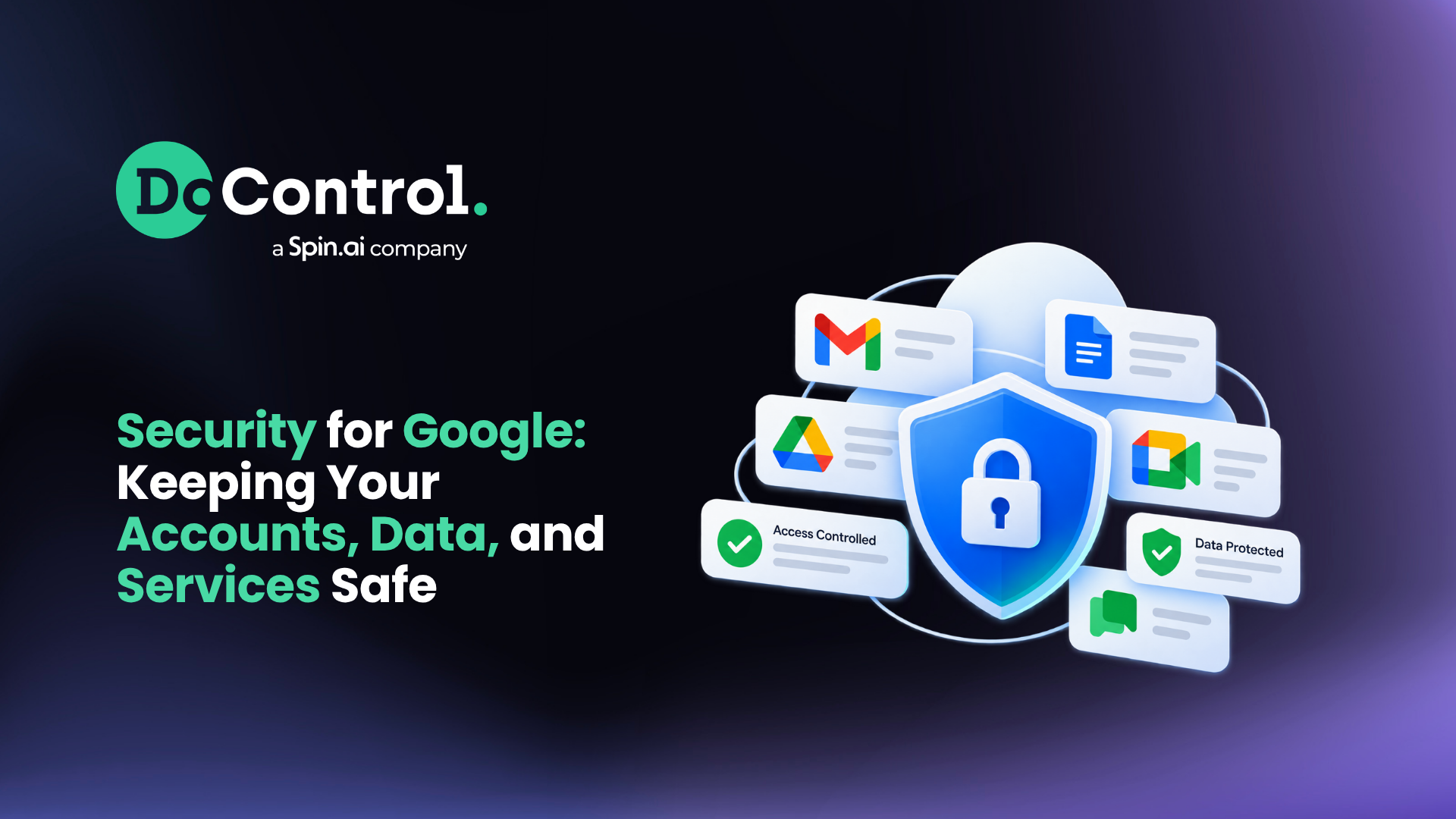
Organizations today run on Google services. Gmail, Google Drive, Docs, Meet, and more are woven into the day-to-day work of millions of people across every industry in society. That deep dependency has made Google Accounts and Google Workspace tenants a prime target for attackers – because compromising just one account can unlock email, files, chat, and shared drives in a single step.
Google provides strong, AI powered security at the platform level. Gmail alone blocks over 100 million phishing attempts daily. But as threats have evolved, it's become clear that native tools leave significant visibility and control gaps for enterprises, making it important to close them.
This article walks through concrete security actions for personal Google Accounts and business Google Workspace environments, and explains how DoControl helps organizations keep sensitive information private and governed at scale.
Core Protections Built Into Your Google Account
When you sign into a Google Account, you activate baseline protections that work across Gmail, Drive, Chrome, and other Google services. These built in protections are significant-and often underestimated.
Here's what's working behind the scenes:
- Spam and phishing filtering: Google's spam filters block 99.9% of dangerous emails before they reach your inbox. And, AI blocks nearly 10 million spam emails in Gmail every minute.
- Safe Browsing: Chrome's Safe Browsing protects 4 billion devices against risky sites, warning users before they visit malicious pages or download harmful files.
- Suspicious sign-in detection: Google's AI-powered protections detect threats in real-time, flagging unusual login attempts from unfamiliar locations or devices.
- Direct security alerts: Google notifies users of suspicious account activity so they can act quickly.
- Data encryption: Google Drive encryption protects data both in transit and at rest using standards like AES-256.
- Mobile protection: Google Play Protect scans apps for harmful software on Android devices.
Google's security ecosystem protects personal data, devices, and communications as a core part of every account. But, organizations need additional control, auditability, and governance beyond what the user-level view delivers.
Even with strong platform security, a single compromised Google Account can expose thousands of files and shared folders if access isn't governed.
Step-by-Step: Hardening Your Personal Google Account
This is a practical checklist anyone can complete in a few minutes to strengthen their account.
- Run Security Checkup: Sign in at myaccount.google.com and tap Security Checkup. It provides personalized recommendations for account security and clear risk indicators.
- Enable 2-Step Verification: This adds a second required step beyond your password. Prefer passkeys or hardware security keys over text messages-passkeys are immune to phishing sites and replace traditional passwords entirely. Using hardware security keys provides strong protection against phishing.
- Use strong, unique passwords: Google Password Manager securely saves passwords in a central place. Run its password check to identify reused or compromised credentials. Use unique passwords for each account to enhance security. Google accounts check over 100 crore saved passwords for breaches daily.
- Review devices and sessions: Routinely auditing connected devices helps prevent unauthorized access. Sign out from old phones, laptops, or any shared computer you no longer use.
- Clean up third-party access: Security measures should include regular reviews of third-party app access. Remove apps and browser extensions that no longer need access to your Google Account or Gmail and Drive data.
- Update recovery info: Regularly updating recovery information ensures secure account recovery if something goes wrong.
These steps significantly reduce account takeover risk, but they don't address enterprise-grade problems like data oversharing, insider threats, or shadow apps.
Keeping Your Information Private Across Google Services
Security and privacy are related but distinct. Even if attackers are kept out, organizations must also limit how widely internal data is exposed.
On personal accounts, Google gives you several levers. Privacy Checkup helps users manage their privacy settings with controls that are easy to use, covering Activity Controls, Location History, YouTube watch history, and Chrome sync data. Users can control what data is saved in their Google Account – and users can delete their data by date, product, and topic.
Google automatically deletes core activity data after 18 months by default, reducing long-term exposure. Ad personalization settings let you choose how much cross-service profiling occurs with your personal information.
For work accounts, admins can enforce organization-wide policies for data retention and sharing, but native controls are spread across multiple admin consoles. However, proper Google Workspace security in large organizations requires a lot more steps, nuances, and protections in order to keep corporate data safe.
And, while Google gives you knobs to adjust how data is used, it does not natively provide complete data access governance for every file shared externally from Google Drive or shared drives, which matters when people share files more broadly across accounts or services.
Client-side encryption allows users to manage their own encryption keys in select plans, adding another privacy layer, but it's not a substitute for governing who sees what.
Advanced Google Protections: AI Powered Security and High-Risk Users
As threats have evolved, Google has invested heavily in AI powered security that operates at internet scale. AI technology works to enhance security to fight against next-generation cyber threats across the platform.
Google also works with security experts to stay ahead of emerging threats, and they do have native protections in place, like their Advanced Protection Program, which is designed for high-risk accounts.
Advanced Protection safeguards users with sensitive information from sophisticated phishing and account takeover attempts. It requires a passkey or security key for sign-in and allows only verified apps to access your data, sharply limiting the attack surface.
However, at enterprise scale, Google Workspace security often requires a third-party specialized solution to keep the data, users, and overall environment secure. While Google is one of the most innovative companies of all time, simply put: they’re not a security company. And, they shouldn't be expected to perform like one.
Where Native Google Workspace Security Falls Short for Enterprises
This is where the conversation shifts from personal to organizational. If you're on a security, IT, or compliance team managing a business Google Workspace tenant, the gaps become material.
Fragmented visibility. Admin Console, DLP rules, and native Drive sharing controls are powerful individually but don't deliver a single, unified picture of SaaS data risk. It's hard to answer a simple question: who can access every Google Drive file right now, including via links and groups?
Pattern-based DLP misses context. Native DLP rules catch credit card numbers and Social Security patterns, but they miss what's contextually sensitive-M&A documents, product roadmaps, source code. Business sensitivity isn't always a regex match.
Insider threat blind spots. Correlating identity, behavior, and file access across Gmail, Drive, Shared Drives, and external SaaS apps is difficult with native tools alone. A departing employee downloading thousands of files may not trigger any alert if the volume doesn't cross a simple threshold.
Shadow apps run unchecked. Thousands of OAuth-connected apps authorized with "Sign in with Google" can read Gmail or Drive content. There's limited centralized governance, and these shadow apps persist long after they're needed.
Audit logs are noisy. Native logs are detailed but hard to operationalize for continuous monitoring, alerting, and automated remediation at scale.
📂 How exposed is your Google Workspace right now?
Knowing that a security gap exists is different from knowing exactly where your sensitive data is exposed. Take our free Google Workspace risk and data exposure assessment to uncover risky sharing, excessive access, and data exposure across your environment.
Filling the Gaps: How DoControl Enhances Google Workspace Security
DoControl is built to extend and operationalize Google Workspace security for modern enterprises-without disrupting how people work.
- Unified visibility: A single inventory of every file, folder, and shared drive, showing who inside and outside the company can access it and how-direct, group, or public link.
- Context-aware DLP: DoControl classifies sensitive data across Docs, Sheets, Slides, PDFs, and more, going beyond keyword or regex detection with identity and business context to reduce false positives. Learn more about how SaaS DLP works differently.
- Automated remediation: DoControl offers bulk remediation for historical files, as well as ongoing remediation workflows for future exposures. Auto-expire public links, remove external collaborators from sensitive folders, or downgrade sharing to view-only when risk conditions are met-without manual intervention.
- Insider threat detection: Monitor anomalous download spikes, mass sharing events, or risky behavior tied to specific identities or devices, then auto-enforce controls.
- Shadow app governance: Discover every OAuth app granted access to Google services, apply risk scoring, and enforce policies to block, limit, or review them based on risk.
- Contextual access control: Combine identity, device posture, data sensitivity, and sharing context for granular policies that complement native Google security features.
DoControl as Your Google Workspace Security Platform
DoControl is a strategic layer on top of Google's native protections, focused on data access governance and SaaS data protection. It integrates via APIs with Google Workspace to continuously monitor assets, permissions, and activity in near real time.
The development philosophy is straightforward: strengthen Google Workspace security without breaking collaboration. Policies are identity- and context-aware. Remediation is automated but configurable, designed to protect data without slowing the people who need it.
DoControl also supports broader SaaS ecosystems-Slack, Zoom, Salesforce, Microsoft 365 – giving organizations a single, consistent way to manage SaaS data risk alongside Google services.
Whether the goal is keeping corporate information private, satisfying regulatory requirements, or operationalizing SaaS security posture management, DoControl delivers a product built for how the world's enterprises actually use Google today.
Ready to see what's exposed in your Google environment? Explore how DoControl can secure your Google Workspace and help your team move fast without leaving data behind.
Read More: Google Workspace Security
Want to go deeper? Explore our guides on protecting sensitive data, managing access, and reducing exposure across Google Workspace:
- Google Workspace Security: Best Practices for Protecting Your Data: A deeper look at securing users, data, access, and collaboration across Google Workspace.
- Google Drive Security: Learn how to protect sensitive files and reduce data exposure across Google Drive.
- How to Manage Google Drive User Permissions: Understand how to identify, review, and manage who has access to your Google Drive data.
- How to Bulk Remove Sharing Permissions in Google Drive: Learn how to remediate excessive access and remove unnecessary sharing permissions at scale.
- Google Workspace Security Remediation: Explore remediation strategies for turning Google Workspace security findings into action.
- How to Secure Sensitive Data in Google Cloud: Learn how to strengthen protection for sensitive information across your Google environment.
- Google Workspace Shared Drive Files and Folders Shared Externally: Learn how to identify externally shared files and folders and reduce unnecessary exposure.