.png)
.png)
Google Drive makes it easy for employees to create, share, and collaborate on files. That same flexibility can make securing sensitive data increasingly difficult as organizations grow.
Google Drive security tools help organizations discover sensitive data, control who can access files, identify risky sharing, prevent data loss, detect threats, and remediate exposure across Google Workspace.
Depending on the platform, these tools can include Data Loss Prevention (DLP), Data Access Governance, SaaS Security Posture Management (SSPM), threat detection, identity security, and automated remediation.
The scale of the problem can be significant. DoControl research found that 709,533 sensitive Google Drive assets were publicly exposed on average across the enterprise environments analyzed, while an average of 94,000 assets remained accessible to former employees.
The right solution depends on what you're trying to protect against. Some Google Drive security tools focus primarily on sensitive-data detection. Others focus on permissions and access. Still others extend into SaaS posture, identity threats, browser security, or broader enterprise data protection.
Here are seven Google Drive security tools to consider and where each fits.
The right Google Drive security tool depends on the problem you're trying to solve. Organizations focused on file permissions and access governance may prioritize different capabilities than teams primarily looking for DLP, SaaS posture management, or a broader SSE architecture.
1. DoControl, a Spin.AI Company
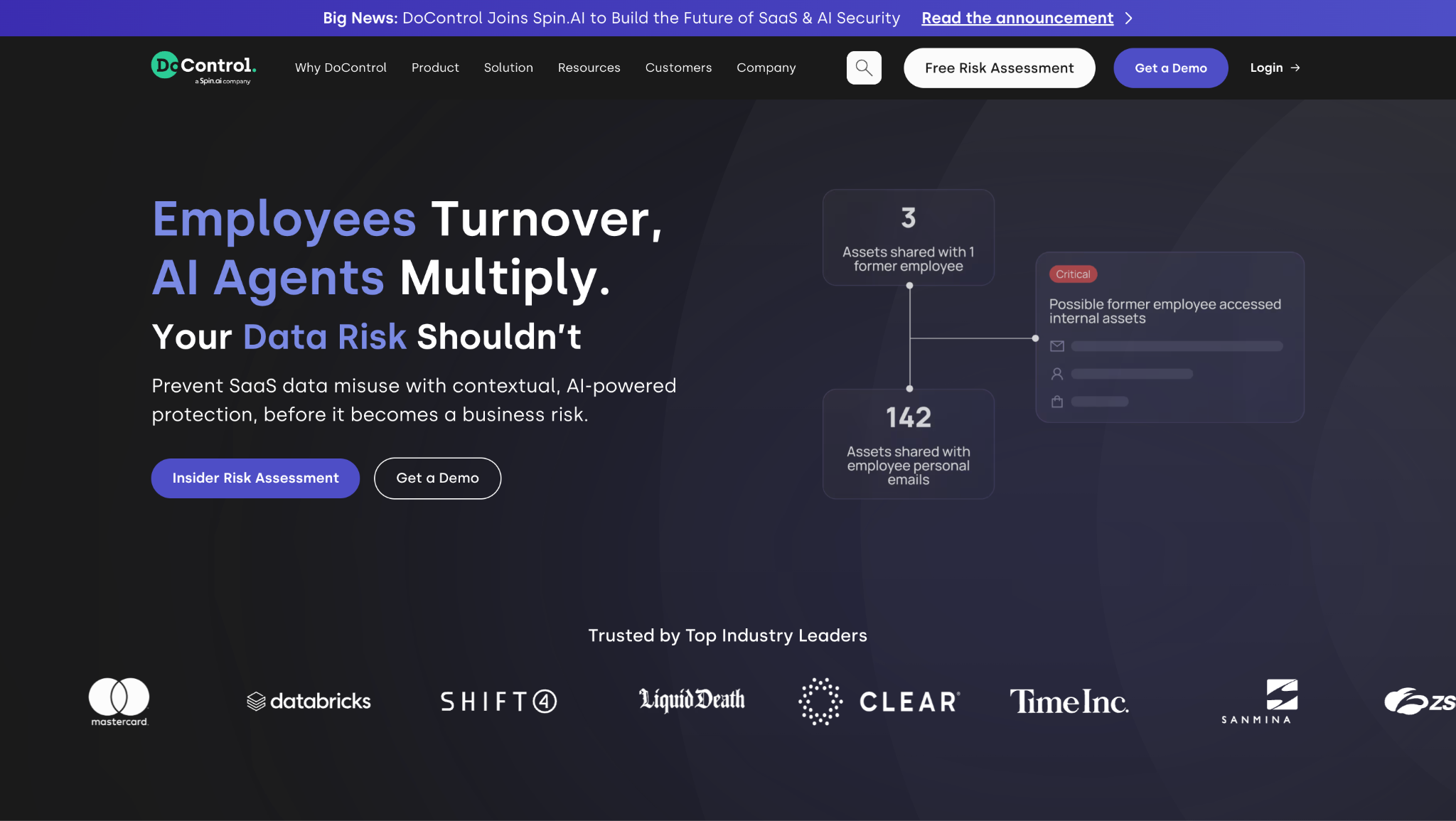
Best for: Data Access Governance, DLP, automated remediation, and broader Google Workspace security
DoControl provides Data Access Governance and contextual SaaS DLP for Google Workspace, giving security teams asset-level visibility and control over who can access sensitive Google Drive data.
Rather than looking at sensitive content or permissions in isolation, DoControl maps the relationships between files, folders, users, identities, permissions, sharing activity, and data sensitivity. Security teams can identify files that are public, externally shared, accessible through personal accounts, available to former employees, or internally overshared.
That visibility is paired with automated remediation. Organizations can revoke risky access, automate offboarding workflows, expire external permissions, remediate historical exposure, and bulk remove Google Drive sharing permissions rather than addressing files one at a time.
DoControl was acquired by Spin.AI in August 2026, bringing its DLP, Data Access Governance, insider risk, and AI governance capabilities into a broader SaaS security portfolio. The combined offering extends beyond Google Drive permissions into SSPM, AI governance, enterprise browser security, insider and non-human identity risk, and ransomware resilience.
Strengths
- Asset-level Google Drive permission and sharing visibility
- Contextual DLP and sensitive-data protection
- Internal, external, public, and personal-account exposure
- Former employee and stale-access detection
- Historical and continuous automated remediation
- Bulk permission remediation
- My Drive and Shared Drive coverage
- Automated security workflows
- Broader SaaS and AI protection through Spin.AI
Limitations
DoControl's core strength is SaaS data security rather than traditional endpoint or network security. Organizations primarily seeking network-centric controls or endpoint DLP may require those technologies as separate layers of their security architecture.
What makes DoControl different?
DoControl combines data context with access context and remediation.
Instead of simply identifying that a sensitive file exists or that a file is externally shared, DoControl helps answer:
- What is the data?
- Who can access it?
- Why do they have access?
- Should they still have it?
- And, what should happen if they shouldn't?
Following the Spin.AI acquisition, this data-centric approach now sits within a much broader security portfolio designed to protect SaaS data wherever it lives, moves, and is accessed.
2. Google Workspace Native Security
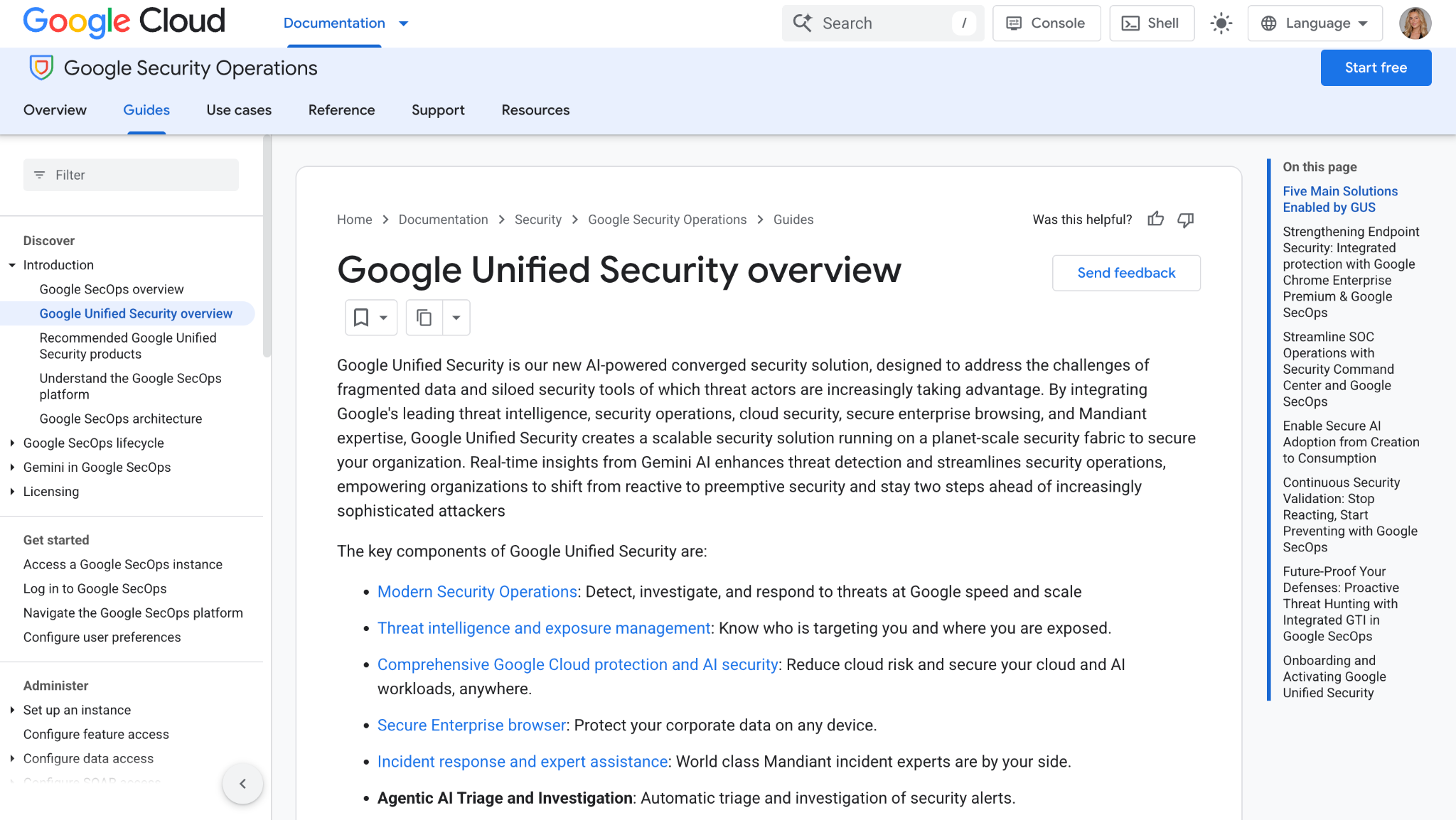
Best for: Built-in Google Drive security and administration
Before adding third-party tools, organizations should understand the security controls already available within Google Workspace.
Google provides native Google Workspace DLP on supported editions, allowing administrators to create rules that detect sensitive content and take actions such as blocking external sharing, warning users, restricting download/print/copy actions, applying Drive labels, and generating alerts. DLP policies can apply to both My Drive and Shared Drives.
Google also provides administrative controls for Shared Drives, external sharing, user access, and other security settings.
However, many of these out-of-the-gate security features provided by Google can be limited based on your Google Workspace plan, or – they simply are not built for scale.
Strengths: Native integration, DLP, sharing controls, labels, administrative policies, and no additional security platform required for supported capabilities.
Limitations: As environments grow, organizations may require additional context, centralized visibility, cross-SaaS governance, historical permission cleanup, or more extensive automated remediation.
Native controls should therefore be the foundation of a broader Google Workspace Security program – not something organizations overlook when evaluating additional tools.
3. Varonis
Best for: Enterprise data security and sensitive-data exposure
Varonis takes a data-centric approach to Google Workspace security. Its Google Workspace coverage includes discovering and classifying Google Drive data, analyzing effective access and permissions, identifying overexposed sensitive data, and applying automated remediation policies.
Strengths: Sensitive-data classification, permission analysis, least-privilege initiatives, external-sharing visibility, and automated remediation.
Limitations: Varonis is positioned as a broad enterprise data security platform rather than exclusively as a Google Workspace or SaaS access-governance solution. Organizations should evaluate whether they need that broader data-security footprint or a more SaaS-focused approach.
Differentiation: Varonis can be particularly relevant for organizations looking to govern sensitive data across a broader enterprise data estate rather than focusing solely on Google Workspace.
4. BetterCloud
Best for: Google Workspace administration and file governance
BetterCloud combines SaaS management with file governance. Its File Governance capabilities provide visibility into files and folders across My Drive and Shared Drives, sharing settings, external access, and file ownership, alongside automation for file cleanup and access reviews.
BetterCloud also added Google Drive Labels to its File Governance offering in 2026, bringing Google's sensitivity context into its file-management workflows.
Strengths: Strong Google Workspace administration heritage, external-sharing governance, user-driven access reviews, file cleanup, and SaaS lifecycle automation.
Limitations: Its broader heritage is SaaS management and IT operations. Security teams primarily focused on contextual DLP, insider risk, or granular security-driven access governance should compare those capabilities closely.
Differentiation: BetterCloud bridges SaaS administration and file governance, making it particularly relevant for IT teams already managing SaaS operations and employee lifecycle processes.
5. Nightfall AI
Best for: DLP and sensitive-data discovery
Nightfall provides a dedicated Google Drive DLP offering designed to discover and protect sensitive information such as PII, PHI, credentials, and financial data.
Its Google Drive integration can scan historical files, monitor data continuously, track permission changes, apply policies, restrict permissions, and support automated security workflows.
Strengths: Sensitive-data discovery, DLP policies, historical scanning, real-time monitoring, and employee coaching.
Limitations: Organizations evaluating Nightfall alongside access-governance platforms should consider whether their primary challenge is finding sensitive data or continuously understanding and governing the complete relationships between identities, permissions, and data.
Differentiation: Nightfall is particularly DLP-focused, making it relevant for organizations prioritizing sensitive-data detection and policy enforcement.
6. Netskope
Best for: Google Drive security within a broader SSE/CASB strategy
Netskope approaches Google Workspace as part of a larger enterprise security architecture.
It combines API-based controls for data at rest with inline security for data moving between Google Workspace, devices, websites, and third-party cloud applications. Its Google Workspace offering includes DLP, access controls, automated workflows, threat protection, and options for changing permissions or quarantining files.
Strengths: Inline and API-based protection, enterprise DLP, broad cloud coverage, threat protection, and controls over data moving between applications.
Limitations: Organizations that primarily need Google Drive permission governance and SaaS data remediation may not require the breadth of an SSE platform.
Differentiation: Netskope is the most network/SSE-oriented platform on this list, making it relevant for enterprises looking to incorporate Google Workspace into a broader SASE or Zero Trust architecture.
7. Reco
Best for: SaaS posture, user access, and data exposure
Reco provides SaaS security across Google Workspace, including Drive, Gmail, Calendar, and Meet.
For Google Workspace, Reco focuses on identifying misconfigurations, understanding user access, detecting internal and external threats, and removing inappropriate access from former employees, vendors, and other users.
Strengths: SaaS posture visibility, user access, third-party risk, misconfiguration detection, and broader Google Workspace coverage.
Limitations: Organizations should evaluate the depth of individual DLP and file-level remediation requirements against broader SSPM and SaaS-security needs.
Differentiation: Reco approaches Google Drive as part of the larger SaaS ecosystem rather than treating Drive security as an isolated data-security problem.
How to Choose a Google Drive Security Tool
The best tool depends on what you're actually trying to secure.
Start with five questions:
- Can you see who has access to sensitive files?
Look beyond classification. A strong Google Drive Security program needs visibility into the permissions and sharing relationships surrounding the data.
- Can you remediate the exposure you find?
Detection alone creates another queue of alerts. Determine whether the platform can actually remove unnecessary access and whether it can do so at scale.
- Does it understand context?
An externally shared marketing asset and an externally shared financial document shouldn't necessarily create the same response. Identity, employment status, data sensitivity, domains, sharing relationships, and user behavior all provide valuable context.
- Can it address historical and new exposure?
Years of collaboration can create significant permission debt. Organizations need to address existing exposure while preventing new risky sharing from accumulating. For example, security teams should account for former employees who still have access to company data and other stale permissions.
- How broad does your security architecture need to be?
Decide whether you're primarily solving for Google Drive access, DLP, SaaS posture, threat detection, or broader endpoint and network security.
DoControl + Spin.AI: Protecting Google Workspace Beyond the File
Google Drive doesn't operate in isolation. Sensitive data moves between users, SaaS applications, browsers, third-party integrations, and increasingly, AI tools and agents.
Following DoControl's acquisition by Spin.AI, organizations can take a more layered approach to protecting that environment. DoControl's DLP + Data Access Governance capabilities are now complemented by Spin.AI's broader capabilities across SSPM, enterprise browser security, AI governance, and ransomware resilience.
Together, the focus expands from protecting an individual Google Drive file to securing the wider SaaS ecosystem surrounding the data.
The goal: protect SaaS data wherever it lives, moves, and is accessed.
Choosing the Right Google Drive Security Approach
Google Drive security tools don't all solve the same problem.
Google provides an important native security foundation. DLP platforms focus on sensitive information. Data access governance platforms focus on who can access it. SSPM solutions address configurations and posture. SSE platforms extend protection into browsers, networks, devices, and other cloud services.
For security teams, the important question isn't simply "Which tool has the most features?"
It's "Where does our Google Drive risk actually come from, and what capabilities do we need to control it?"
Look for a solution that provides the right combination of data visibility, permission context, DLP, remediation, identity intelligence, and continuous governance for your environment.
Read More: Google Drive & Google Workspace Security
For more on protecting Google Drive and Google Workspace data:
- Google Drive Security — A complete guide to securing Google Drive data, permissions, sharing, and access.
- Google Workspace Security — Best practices for protecting your broader Google Workspace environment.
- How to Prevent Unauthorized Access to Google Drive Files — How to control sharing, remove unnecessary permissions, and continuously govern access.
- How to Manage Google Drive User Permissions — A guide to managing users, permissions, and access at scale.
- How to Bulk Remove Sharing Permissions in Google Drive — How to clean up historical permission debt and remediate exposure in bulk.
- Google Workspace Shared Drive Files and Folders Shared Externally — How to identify and manage external access.
- How Do I Know If Former Employees Still Have Access to Company Data? — How lingering access survives offboarding and how to address it.
- Securing Sensitive Data in Google Cloud — How to discover and protect sensitive information across Google environments.